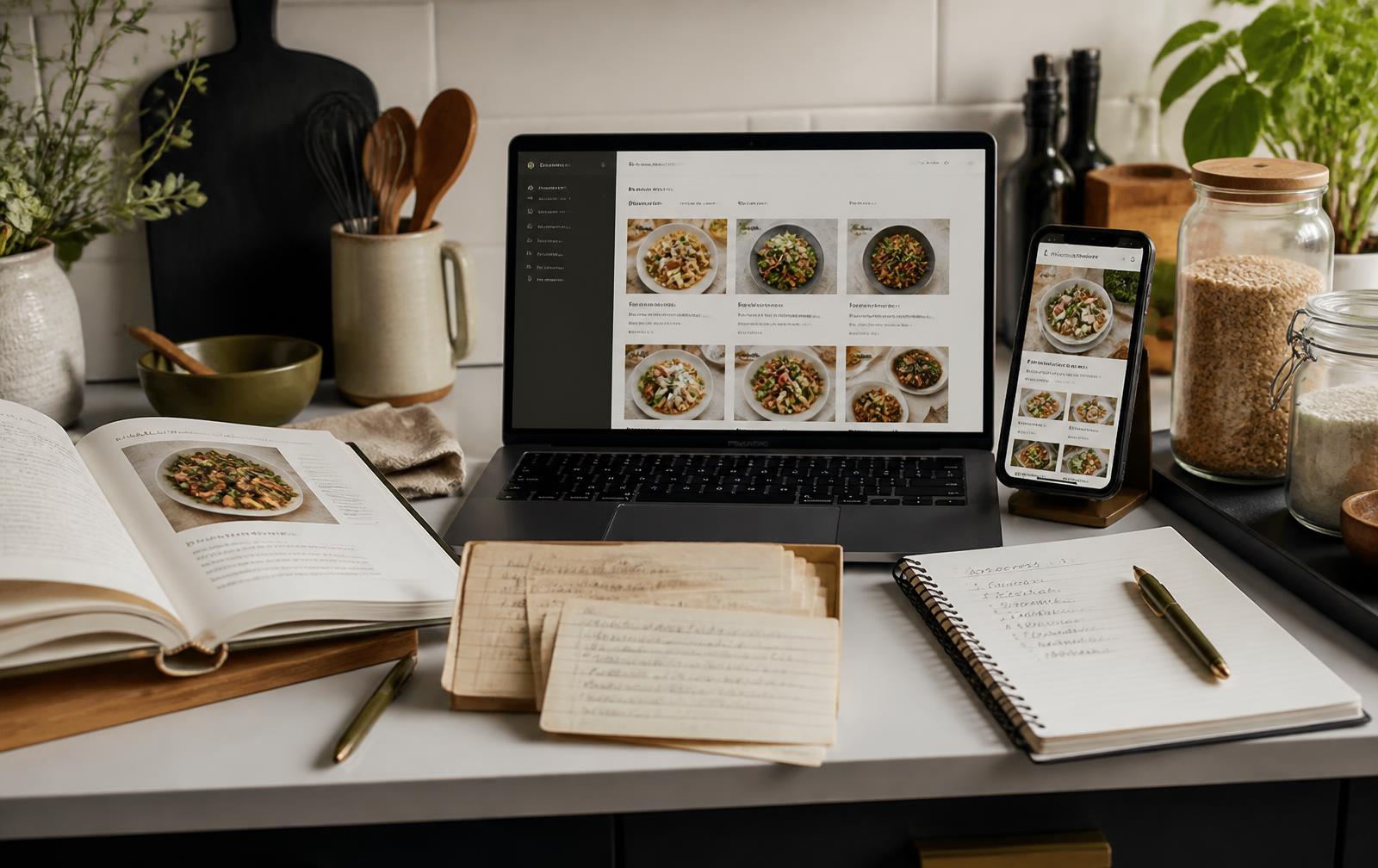
Recipe Management
What Is the Best Recipe Management Software?
Find the right way to bring recipes, planning and grocery organization together—based on the features your household will actually use.
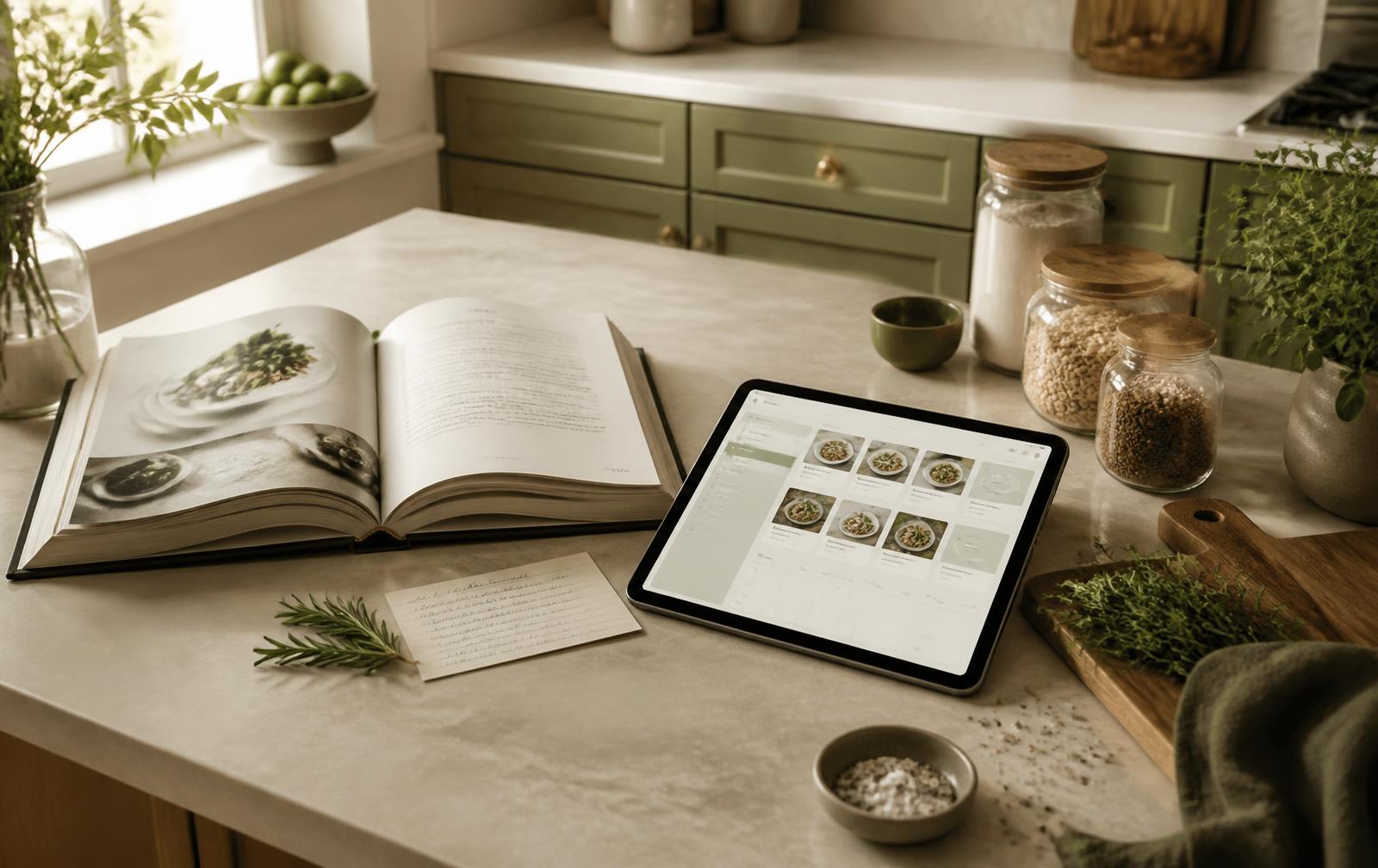
Managing recipes across cookbooks, websites, screenshots, notes and social media can quickly become frustrating. Recipe management software brings everything together in one organized place.
The strongest choice depends on the collection you already have and the jobs you want one system to handle. Compare organization, importing, planning and access before comparing price.
1. Cookbooks
A useful system should let you create digital cookbooks, organize recipes into collections, import existing material and preserve family recipes without flattening everything into one long list.
- Create named digital cookbooks
- Move recipes between collections
- Import existing recipes
- Preserve notes and family history
2. Recipes
The core library should store recipes in one place while making them quick to search, categorize and adapt.
- Search recipes quickly
- Add categories, notes and photos
- Scale ingredient quantities
- Import recipes from websites
3. Menu Planning
Menu tools arrange breakfast, lunch and dinner into useful combinations. Look for saved menus you can reuse and a calendar that makes meals easy to move between dates.
4. Meal Planning
Meal planning should work for an individual or a household, support weekly or monthly views, and connect every planned meal back to its recipe.
5. Shopping Lists
Good software can generate lists from several recipes, combine repeated ingredients, sort items by grocery category and make purchased items easy to check off.
6. Pantry Management
Pantry tools record what is available at home, monitor quantities, identify replenishment needs and connect inventory to planned meals. This can reduce unnecessary purchases, but only if updating the pantry is quick enough for your household.
How to compare your options
No single product is automatically best for every cook. A cookbook collector, a busy family and a pantry-first planner need different strengths. Start with your two most important workflows, confirm device support and importing quality, then test the everyday experience before paying.